Can You Trust Automated File Transfers Without Visibility?
Why automated file transfers still need identity, scoped access, independent audit trails, and visibility beyond the workflow tool that created them.
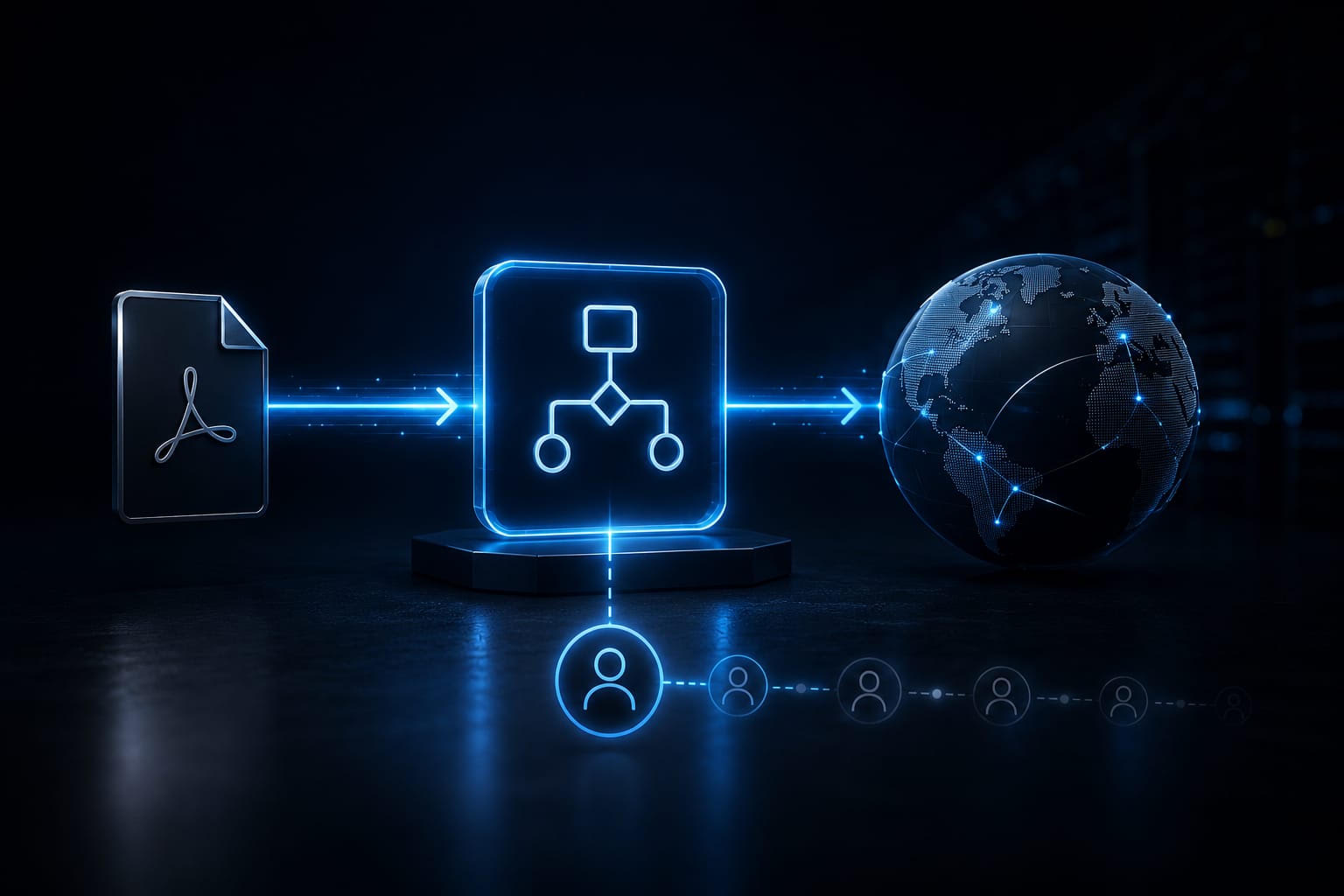
It took one afternoon to build.
A finance assistant needed invoices to stop piling up in a shared inbox, so they set up a flow: when a PDF arrives, forward it straight to the vendor portal. No ticket, no review, no one else even knew it existed.
It’s still running three years later. Nobody has reviewed it since.
Nobody would call this a mistake at the time. It solved a real problem in an afternoon instead of a quarter. That’s exactly why it’s worth asking what “automated” actually promises.
Automation isn’t the same thing as control.
Why Does “It’s Automated” Start to Feel Like “It’s Controlled”?
Once a task runs without someone clicking a button every time, people naturally stop questioning it the way they would question a manual process.
Tools like Microsoft Power Automate, n8n, and Make make this easier than ever. Anyone who can describe a task in a few steps can build a workflow that moves files between systems - without writing code or opening an IT ticket.
Governance often lags behind adoption. Across organizations surveyed about low-code platforms, roughly three-quarters of the people planning these platforms - and two-thirds of those building workflows on them - operate without defined governance for reviewing what gets created.
The flow simply worked, so nobody questioned it again.
Where Does That Flow’s Identity Actually Point?
Many low-code automations run on the credentials of the person who created them - their email account, their API key, or another personal identity. The workflow inherits everything that identity can access for as long as it exists, regardless of whether the creator changes roles, leaves the team, or anyone remembers the workflow is still running.
Adding an AI agent to the same workflow doesn’t solve that problem. It simply inherits the same identity and, in many cases, even broader permissions because granting access is faster than defining exactly what the agent should be allowed to reach.
At that point, a security team faces a surprisingly difficult question: Who - or what - can currently access this vendor’s files, and under whose authority?
Once the workflow’s creator is no longer the person responsible for it, the answer often becomes much less clear.
What Does Visibility Actually Require?
Not banning the low-code tools that finance and operations teams rely on.
Low-code tools automate workflows. Managed File Transfer platforms govern how files move between systems. Those are two different responsibilities.
A managed file transfer platform should ensure that the part of the workflow responsible for moving files doesn’t depend on whichever personal credential happened to be logged in when the automation was created:
- Each connection should prove the identity of the endpoint it’s communicating with, independently of who built the workflow.
- Access should be limited to exactly the folders, systems, or repositories required for that specific process - not everything the workflow creator happened to have access to.
- And every transfer should leave an independent audit trail, regardless of whether logging inside the low-code platform was enabled.
Xferity is built around exactly these principles. Every connection proves its identity independently, every transfer is encrypted before it moves, and every file movement creates the same tamper-evident audit trail - whether it was initiated by a person, a script, a low-code workflow, or an AI agent.
So: Can You Trust Automated File Transfers Without Visibility?
Not by default.
Automation removes the moment when someone might notice that something looks wrong. It doesn’t automatically replace that moment with visibility or control. Those capabilities have to be designed into the file transfer itself.
For years, speed and control naturally came together because people performed the work manually. Low-code automation separates them.
A workflow can continue moving files long after everyone has stopped thinking about it. These workflows rarely attract attention. They simply keep running.
The question worth asking isn’t whether they still work:
Could you list every automated workflow that can currently move files outside your organization?